Parallax scrolling is a common UI effect where different layers move at different speeds during scrolling, creating a sense of depth.
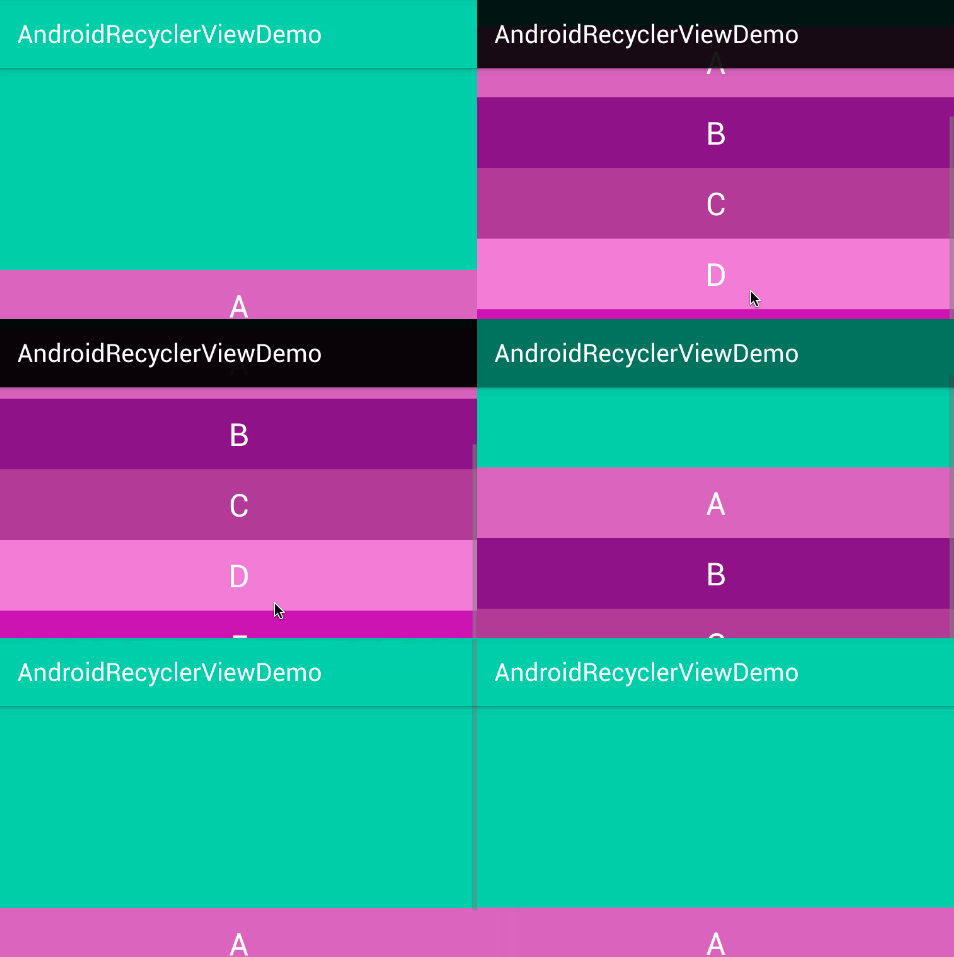
Implementation
The core idea is to listen for RecyclerView scroll events, dynamically translate the Header based on scroll distance, and clip the overflow to maintain correct layout.
1. Listen to Scroll and Translate Header
Use setOnScrollListener to capture scroll distance, then apply a translationY offset to the Header:
| |
SCROLL_MULTIPLIER controls the parallax speed — values less than 1 make the Header move slower than the content, achieving the layered effect.
2. Clip the Overflow
The Header visually moves but its layout bounds remain unchanged, so we need to clip the overflow:
| |
By overriding dispatchDraw, we clip the Canvas before drawing, hiding the portion of the Header that extends beyond the container.
3. Calculate Scroll Progress
The current scroll progress can be computed as startTop / mHeader.getHeight(), useful for driving other coordinated effects like opacity transitions.