Note: This article was written in 2015. Some toolchain details and version numbers are outdated and provided for historical reference only. For current Android development, please refer to Android Studio and the official Android Developers documentation.
A setup checklist for the Android development environment. Tools without specified versions should use the latest available at the time.
Download Locations
- Google Android Developer (official): https://developer.android.com/sdk/index.html (link may be outdated; use the new entry point)
- AndroidDevTools (mirror for users who cannot access Google): http://www.androiddevtools.cn/ (link may be dead)
Required Tools
- JDK: JDK 7+ recommended. (Note: Since 2019, Android requires JDK 11+.)
- Gradle: The core build system for Android. Download an offline distribution to speed up builds by configuring a local path in the IDE.
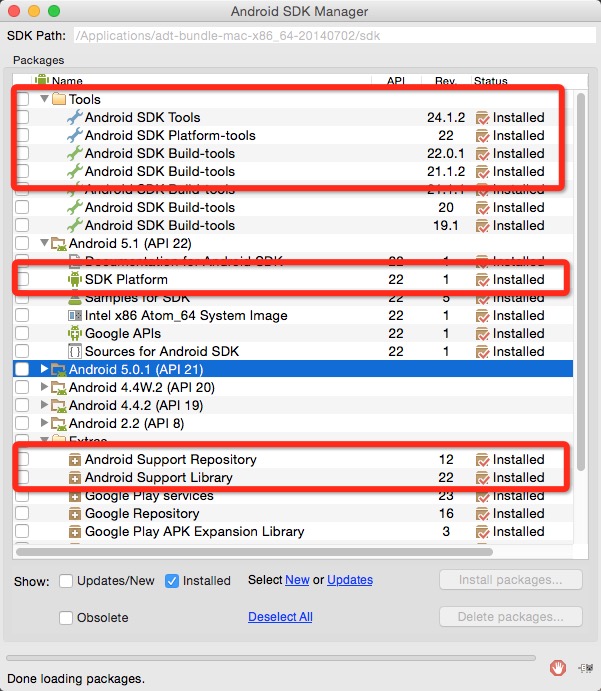
- Android SDK Tools: The latest SDK typically includes proxy configuration. Use domestic mirrors if downloads fail.
- Android Studio: Always use the latest stable version.
- Other tools: Choose as needed.
Notes
As of 2015, Eclipse is strongly discouraged. Android Studio has a significant productivity advantage.
This assessment still holds true today — Android Studio, as the official IDE, far surpasses Eclipse ADT in code editing, debugging, performance profiling, and build management.